Maya eSIM Code for Short Stays in South Korea 2026
9/24/2026
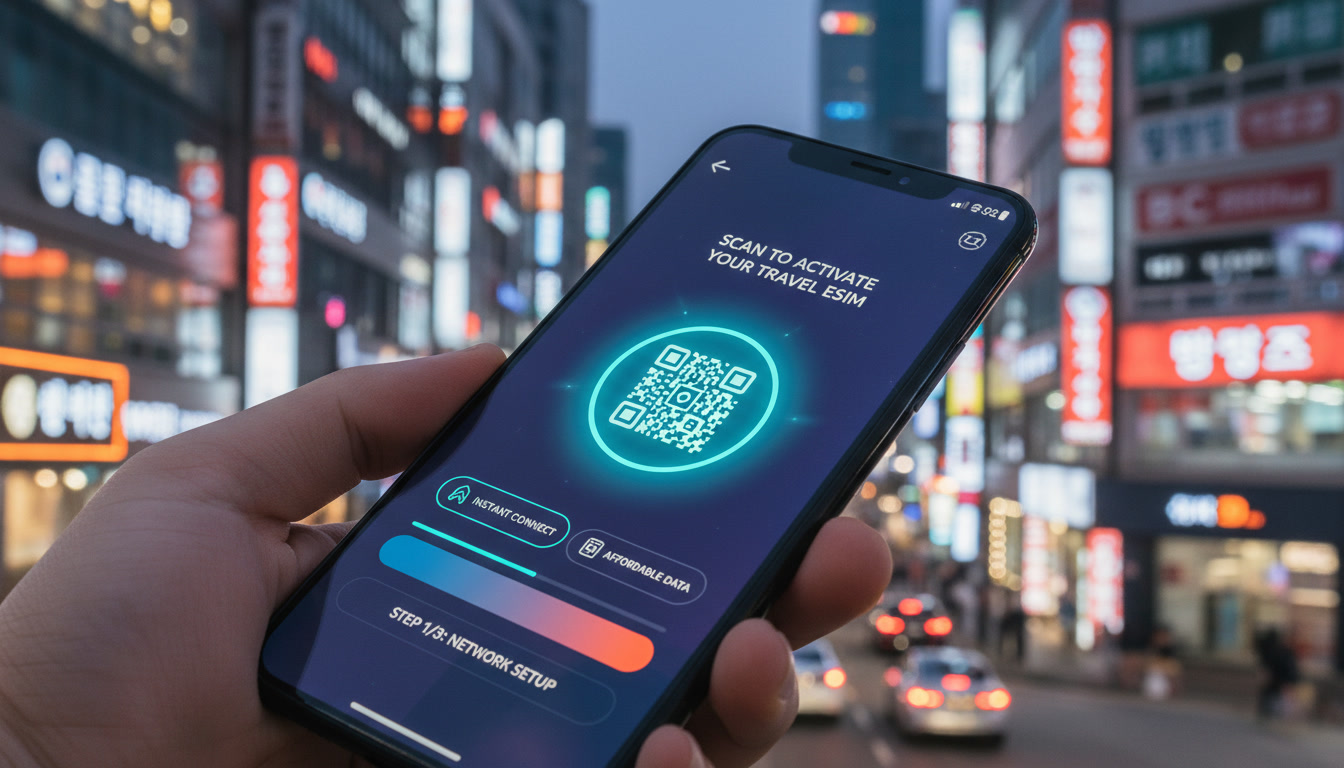
How to Use a Maya eSIM Code for Short-Term Stays in South Korea
If you’re planning a brief trip to South Korea and want hassle-free mobile data, using a Maya eSIM code is one of the fastest ways to get connected. Maya offers unlimited data plans across 165+ countries, including South Korea, with instant activation in just minutes.
For short stays, the Maya eSIM code lets you skip physical SIM cards and roaming fees, making it ideal for travelers who need reliable internet without long-term commitments.
Understanding the Maya eSIM Activation Process for Short Visits
The core advantage of Maya’s eSIM service lies in its simplicity and speed. Once you purchase a plan, you receive a QR code—your Maya eSIM code—that you scan with your phone to install the profile.
The entire setup takes about two minutes, which is perfect if you arrive in South Korea and want to start using data immediately.
Step-by-Step Guide to Entering Your Maya eSIM Code
- Purchase Your Plan: Choose a short-term plan suitable for your stay. Maya offers unlimited 3-day plans starting at $9.99, which is a practical choice for brief trips.
- Receive Your QR Code: After payment, Maya sends your eSIM QR code via email.
- Scan the QR Code: On your phone (iPhone or Android with eSIM support), go to Settings > Cellular > Add Cellular Plan, then scan the QR code.
- Activate the Plan: Follow on-screen instructions to complete activation.
- Set Your Data Plan as Primary or Secondary: For short stays, I always start by setting the Maya eSIM as the primary data source to avoid roaming charges on your physical SIM.
A common mistake is rushing through activation without checking device compatibility first. Not all phones support manual QR scanning or multiple eSIM profiles simultaneously.
For example, some Android models require carrier unlocking or specific OS versions for smooth installation.
What Does a Maya eSIM Code Look Like?
The Maya eSIM code is typically a QR code containing a unique activation string compliant with GSMA specification SGP.22 for remote SIM provisioning. This standard ensures your device securely downloads and installs the profile without physical SIM swapping.
If scanning fails, Maya also provides a manual activation code accessible through your account dashboard under “Manage eSIM.” This fallback method requires entering server addresses and activation tokens manually but is rarely needed unless your phone has scanning issues.
Choosing Between Short-Term and Long-Term Maya eSIM Plans in South Korea
When deciding on a Maya eSIM plan, duration is key. Short-term stays (1–7 days) demand quick activation and cost-effective data bundles without excess validity that goes unused.
Longer stays benefit from plans with extended validity and possibly better per-day rates.
| Plan Duration | Typical Data Volume | Price Range (USD) | Ideal For |
|---|---|---|---|
| 1–3 Days | Unlimited (3-day plan) | From $9.99 | Travelers on brief visits |
| 7 Days | Unlimited or limited | Around $15–20 | Week-long trips |
| 30 Days | Unlimited or capped | Higher prices | Longer stays or frequent visitors |
Maya’s short-term unlimited plans are especially attractive because they include hotspot functionality and no roaming fees within South Korea’s network coverage.
Field Observation: Activation Speed vs. Stay Length
For trips under 5 days, activating an unlimited 3-day plan immediately upon arrival prevents connectivity gaps caused by delayed SIM swaps or local store visits. The mechanism here is that instant digital provisioning bypasses physical logistics, so you get online faster and avoid costly roaming fees.
For longer stays exceeding 10 days, however, I’d advise against repeatedly buying short-term plans because cumulative costs rise and managing multiple activations becomes cumbersome.
Compatibility and Device Requirements for Using a Maya eSIM Code
Not every phone supports every feature of an eSIM profile out of the box. The Maya eSIM code works best on devices compliant with GSMA’s SGP.22 standard and equipped with dual SIM capabilities or full eSIM support.
Supported Devices and Compatibility Tips
- iPhone XS and newer: Full support for multiple eSIM profiles; seamless scanning of QR codes.
- Google Pixel 3 and newer: Supports manual entry and QR scanning but may require carrier unlocking.
- Samsung Galaxy S20 series and newer: Compatible but watch out for region locks affecting activation.
- Other Android devices: Compatibility varies widely; check manufacturer specs before purchase.
A key technical point is that some phones lock the number of active eSIM profiles to three or fewer. If you already have multiple profiles installed, adding Maya’s might require deleting an old one first.
Cost Considerations When Using a Maya eSIM Code for Short Trips
Maya’s pricing starts at $9.99 for unlimited 3-day data plans covering South Korea among other destinations worldwide. This price includes:
- Instant activation via QR code
- Unlimited data within plan duration
- Hotspot tethering capability
- No roaming fees within supported countries
For comparison, other providers like Airalo or JamboSim offer similar packages but may vary in price and coverage quality depending on the Korean network used (SK Telecom, KT, LG U+). According to MyBestSim’s ranking, Maya holds a solid position (#15) with a user rating of 4.4/5 and offers a promo code MYBESTSIM granting 10% off unlimited plans.
Why Short-Term Plans Cost More Per Day
Short-term plans tend to have higher daily rates because they include instant provisioning infrastructure costs and flexibility premiums that long-term plans amortize over time.
I always caution travelers that buying a long-term plan when staying only a few days wastes money since unused validity cannot be refunded or transferred.
Troubleshooting Common Issues With Maya eSIM Codes
Even though the process is straightforward, some pitfalls can delay connectivity:
- QR Code Scan Failure: Caused by poor lighting or damaged screens; try manual entry from your account dashboard.
- Activation Errors: Often due to device incompatibility or outdated OS versions; updating your phone firmware usually resolves this.
- No Data After Activation: Check that cellular data is enabled for the new profile and that airplane mode is off.
- Multiple Profiles Conflict: If your phone defaults to another SIM for data, manually select the Maya profile in settings.
If these steps don’t work, logging into your Maya Mobile account allows access to support resources including reissuing codes or managing profiles remotely.
Why I Recommend Checking Local Korean Providers Alongside Maya
While Maya offers global coverage including South Korea with ease of use for short trips, local Korean operators like SK Telecom or KT provide superior network performance especially outside metropolitan areas like Seoul or Busan.
For travelers staying longer than one week or needing guaranteed high-speed access everywhere in Korea, combining a local Korean eSIM from providers compared on esim-korea.com might be more cost-effective despite requiring physical SIM swaps or more complex setups.
However, if convenience and instant setup top your priorities during short visits, using the Maya eSIM code remains one of the best options available today.
By understanding how to use a Maya eSIM code specifically tailored for short stays in South Korea—knowing when to choose short versus long duration plans, ensuring device compatibility, managing costs effectively, and troubleshooting common issues—you can enjoy seamless mobile data without unnecessary delays or expenses during your trip. For detailed comparisons of Korean local providers alongside global options like Maya, check out this guide.
FAQ
How do I activate a Maya eSIM code on my phone?
To activate, purchase a Maya plan and receive a QR code via email. On your phone, go to Settings > Cellular > Add Cellular Plan, then scan the QR code. Follow the prompts to complete activation and set the Maya eSIM as your primary data source for short stays.
What devices are compatible with Maya eSIM codes?
Maya eSIM codes work best on iPhone XS or newer, Google Pixel 3 or newer, and Samsung Galaxy S20 series or newer. Compatibility varies for other Android devices, so check your phone’s specs and ensure it supports GSMA SGP.22 standard and multiple eSIM profiles.
Can I use Maya eSIM codes for stays longer than a week?
While Maya offers long-term plans, short-term unlimited plans are ideal for stays under a week. For longer visits, consider extended plans to save costs and avoid managing multiple activations. Repeated short-term purchases can become expensive and cumbersome.
What should I do if my Maya eSIM QR code won’t scan?
If scanning fails, try manual activation via your Maya account dashboard by entering the activation code and server details. Also, ensure good lighting and a clean screen. Updating your phone’s OS can resolve compatibility issues causing scan failures.
Why are Maya’s short-term eSIM plans more expensive per day?
Short-term plans include instant provisioning and flexibility costs that long-term plans spread out over time. This premium covers quick activation and no roaming fees, making them convenient but pricier per day compared to longer-duration plans.

Jiwon Park
Jiwon is a Seoul-based travel and technology writer who has tested eSIMs across South Korea and Asia. At Korea eSIM she compares travel data plans on SK Telecom, KT and LG U+ and helps visitors stay online affordably from Seoul to Jeju.